Table of Contents


The Art and Science of App Design
What makes an app feel natural the moment you open it? App design builds a bridge between raw code and smooth experiences. It guides how people use mobile and desktop apps every day. Moreover, it’s not just about buttons and colors; it’s about meeting real needs, in real places, with clear and simple steps.
Defining App Design
App design blends three things: purpose, structure, and look. First, you learn what users want to do and when they need to do it. Then, you map out their journey, screen by screen. From quick sketches to detailed screens, each choice aims for clarity, speed, and trust. In other words, good design spots problems before they slow users down.
Why App Design Matters
A well-made app keeps people coming back, cuts support headaches, and builds loyalty. In contrast, a confusing layout or slow response can push users away in seconds. So, in a crowded market, strong design often decides success or failure.
The App Design Process
Planning & Research
You begin by learning about users and their world. For example, you run interviews, surveys, and look at rivals. You also note which devices people use—phones, tablets, or desktops—and where they are when they use the app, such as on a busy train or in bright sunlight. This guides choices on text size, button layout, and load times.
Sketches & Early Layouts
Next, you draft the app’s structure. Wireframes show where items go and how they fit. Because these are in black and white, teams focus on key actions: Can users find the menu? Do calls to action stand out? As a result, you catch layout flaws early, when changes cost less.
Visual Design & Prototypes
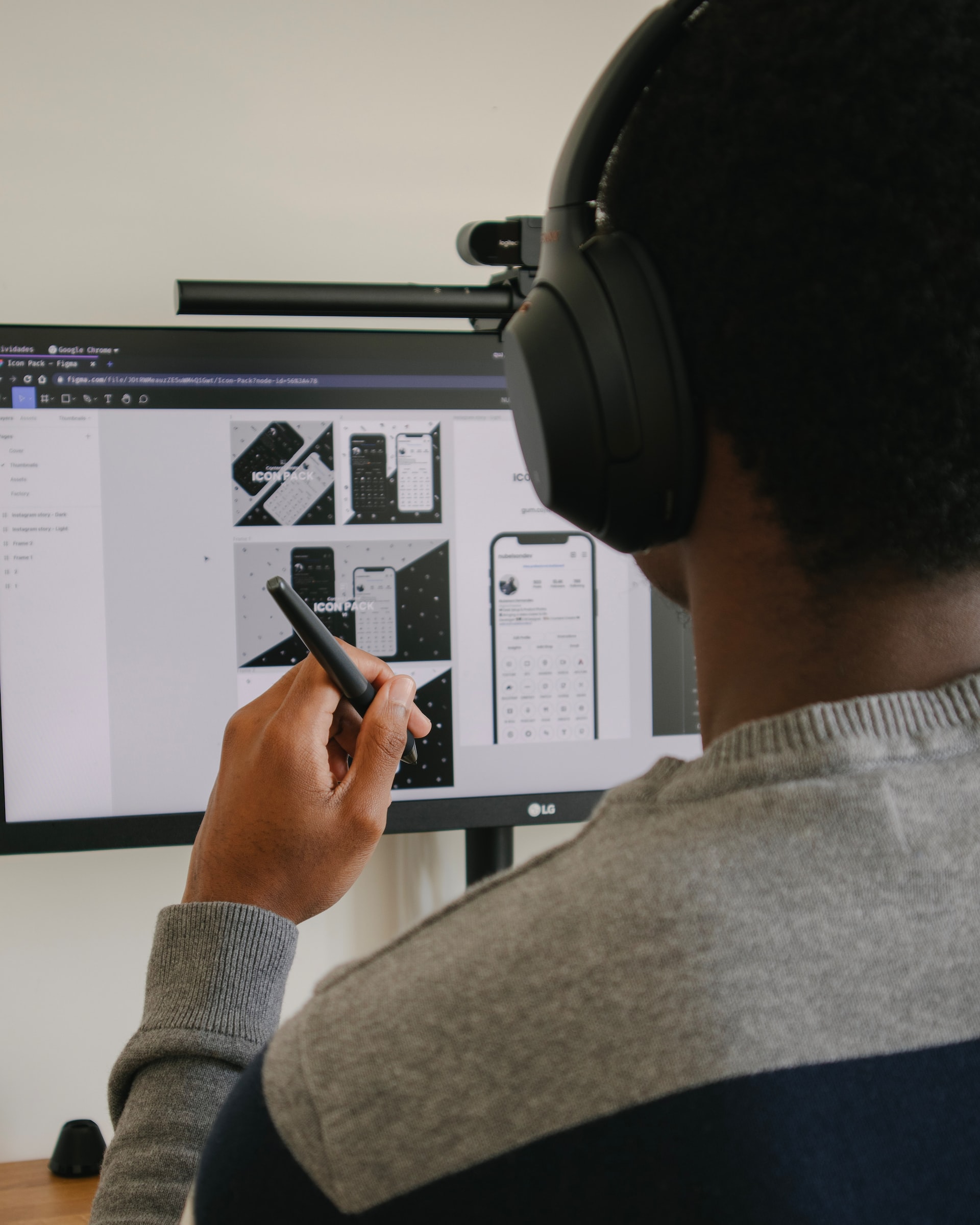
After the layout works, you add style. You pick fonts, colors, and icons that fit the brand. Then you build a clickable model with tools like Figma. This lets your team and clients feel how it moves and reacts.
Test, Tweak, Repeat
No design is perfect at first. So, you test with real users—both in person and online. For instance, watching someone struggle to tap a small icon shows you need bigger buttons. Then you fix the issue and test again, until the main snags are gone.
Handoff & Teamwork
Finally, you share all the files and guides with developers. You include notes on how things should move and look. Plus, you join regular check-ins to answer questions. This way, the final app matches the design and works well on every device.
Key Principles for Great Apps
-
Put Users First. Always ask, “What does the user need next?” Then, make that clear and quick.
-
Stay Consistent. Use familiar icons and layouts on each platform so people learn the app faster.
-
Keep It Fast. Optimize images and code. A quick app feels sharp and saves battery.
-
Design for All. Make text easy to read, buttons easy to tap, and support tools like screen readers.
-
Use a Design Library. Build a set of ready-made pieces—buttons, cards, fields. This saves time and keeps the look uniform.
Common Hurdles & Smart Fixes
-
Too Many Features. Users can feel lost if you pack in every idea at once. So, focus on main tasks first and hide extras in settings.
-
Device Variety. With many screen sizes out there, use flexible layouts that fit both small phones and large tablets.
-
New vs. Known. Fresh ideas can delight but also confuse. Thus, test new gestures and guide users with hints when needed.
What’s Next in App Design
Emerging trends are changing how we work:
-
Voice & Chat. Adding voice commands or bots can help hands-free use, but you need clear backups for when the tech mishears.
-
Augmented Reality. AR adds digital content to real places. So, designers must plan for space, light, and depth.
-
Smart Personalization. AI can tailor content to each person. Yet you must keep controls clear so people feel in charge.
Final Thoughts
App design mixes art, logic, and empathy. By following a clear process—from research to handoff—and by testing with real people, you build apps that feel alive. In addition, a focus on speed, ease, and consistency makes users happy. At VERSIONS®, we use these steps so every app meets today’s needs and adapts for tomorrow’s challenges.
Our published articles are dedicated to the design and the language of design. VERSIONS®, focuses on elaborating and consolidating information about design as a discipline in various forms. With historical theories, modern tools and available data — we study, analyze, examine and iterate on visual communication language, with a goal to document and contribute to industry advancements and individual innovation. With the available information, you can conclude practical sequences of action that may inspire you to practice design disciplines in current digital and print ecosystems with version-focused methodologies that promote iterative innovations.