
Table of Contents


Understanding User Interface (UI): The Gateway to Digital Experience
User Interface (UI) is more than just buttons, colors, and layouts—it’s the point of interaction between human and machine. It’s where perception meets function. When done well, UI becomes invisible, allowing users to navigate digital environments effortlessly. When poorly executed, it becomes a barrier that fragments attention, creates frustration, and drives users away.
At its core, UI design shapes how people interact with technology. Whether it’s a mobile app, website, software dashboard, or wearable device, the interface is the surface layer where all functionality must be accessed, understood, and acted upon. But UI isn’t just about aesthetics—it’s a strategic discipline rooted in usability, accessibility, and experience.
What is UI?
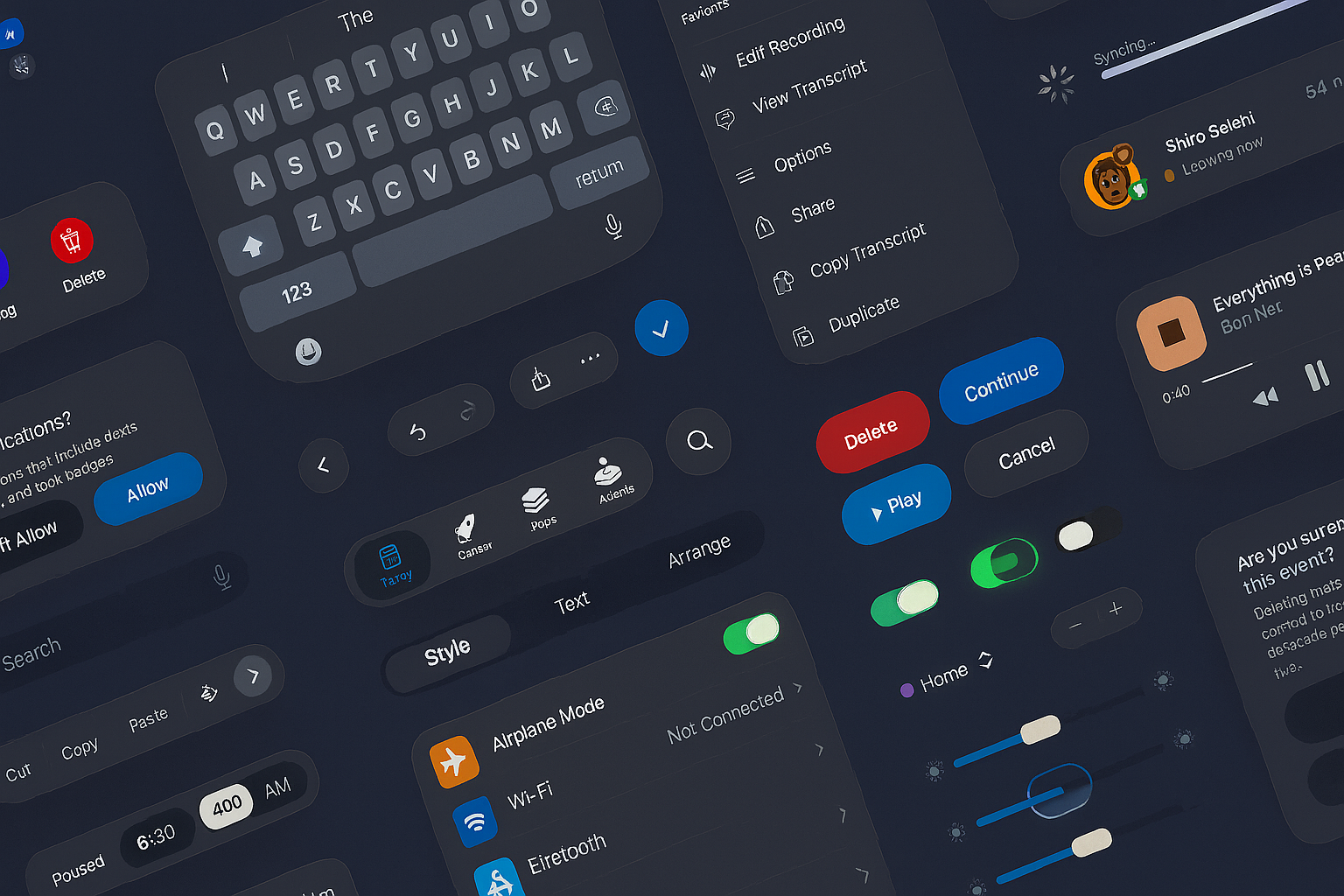
User Interface refers to the visual and interactive elements of a digital product—the layout of content, controls, navigational components, typography, icons, and responsiveness of interactive elements. It answers questions like: Where do I click? What does this button do? How do I know I’m progressing? These micro-decisions are made possible through clear, consistent, and intuitive interfaces.
UI is not just the paint on the walls; it’s the structure of the building. It guides users through workflows, enables discovery, and creates affordances—visual cues that signal how an element should be used. Everything from color choices to spacing, animations, and microinteractions plays a role in influencing how users feel and behave during their journey.
Usability: When UI Becomes an Enabler
Usability is where UI proves its value. A beautiful interface that’s hard to use is a failed UI. The most effective interfaces prioritize clarity, predictability, and efficiency. Users should never have to guess what a component does or where they are within the system.
Good UI:
-
Minimizes cognitive load through intuitive organization and hierarchy.
-
Supports task completion with fewer steps and clearer affordances.
-
Prevents errors by offering confirmation dialogs, undo actions, and helpful feedback.
-
Adapts contextually—displaying the right tools or actions at the right moment.
Usability is measured not just by how the interface looks, but by how quickly and confidently users can achieve their goals.
Accessibility: Designing for Everyone
Accessibility within UI design ensures that all users—including those with visual, auditory, cognitive, or motor impairments—can interact with a digital product. This is not a feature; it’s a fundamental requirement.
Accessible UI practices include:
-
Proper color contrast between text and background for readability.
-
Keyboard navigation support for users who rely on assistive devices.
-
Semantic HTML and ARIA roles for screen reader compatibility.
-
Alt text for images and icons.
-
Clear, consistent layouts that reduce complexity for neurodivergent users.
Designing accessible UIs isn’t just about compliance—it’s about empathy. An inclusive interface creates better outcomes for all users, not just those with disabilities. It reduces friction, improves satisfaction, and expands your product’s reach.
The UI and UX Connection
UI and UX (User Experience) are often used interchangeably, but they serve distinct roles. UI is a component of UX. If UX is the feeling someone has when using a product, UI is the vehicle that shapes that feeling through interaction.
Think of UX as the broader strategy—defining the problem, understanding user behavior, creating flows and personas—while UI brings that strategy to life in visual and tactile form. Every UI decision, from button states to spacing, contributes to the perceived usability and overall delight of the experience.
Without UI, UX remains theoretical. Without UX, UI becomes decoration.
Designing UI: Principles and Process
Designing a strong user interface requires both systems thinking and attention to detail. It begins with understanding the user’s goals, context, and technical environment. From there, designers move through stages of wireframing, prototyping, and iteration.
Key principles in UI design:
-
Consistency: Repeated patterns build familiarity and reduce confusion.
-
Clarity: Each element should have a purpose and communicate that purpose visually.
-
Feedback: Interfaces should respond to user actions with visual, tactile, or audio cues.
-
Hierarchy: Layouts must prioritize content and actions based on importance.
-
Scalability: Interfaces should adapt across devices, screen sizes, and resolutions.
Designers rely on tools like design systems, component libraries, and pattern libraries to keep interfaces coherent across teams and touchpoints. These tools are essential for scaling design and maintaining brand consistency.
Developing UI: From Pixels to Code
Once the UI design is approved, it moves into development. Front-end developers translate the visual language into working code—HTML, CSS, JavaScript, or frameworks like React, Vue, or Angular. The goal is not just to replicate the design, but to ensure it behaves correctly across browsers, devices, and conditions.
Responsive behavior, accessibility implementation, and performance optimization are crucial at this stage. A UI that looks great on a desktop must also be touch-friendly on mobile, fast-loading on 3G, and operable by voice or keyboard.
The best development teams collaborate closely with designers, working in iterative sprints and testing real user behavior early and often. Modern design-to-code workflows use tools like Figma-to-Code handoffs, Storybook for documenting components, and accessibility audits through tools like Lighthouse or Axe.
Why UI Matters More Than Ever
In today’s digital-first world, UI is often the only interaction users have with a brand. It’s not an afterthought—it’s the front door. It shapes perceptions, drives engagement, and determines whether users stay, convert, or bounce.
When built with usability and accessibility in mind, user interfaces become intuitive, inclusive, and inspiring. When connected to a strong UX foundation, they feel effortless. And when executed with care through both design and development, they turn digital experiences into meaningful interactions.
Our published articles are dedicated to the design and the language of design. VERSIONS®, focuses on elaborating and consolidating information about design as a discipline in various forms. With historical theories, modern tools and available data — we study, analyze, examine and iterate on visual communication language, with a goal to document and contribute to industry advancements and individual innovation. With the available information, you can conclude practical sequences of action that may inspire you to practice design disciplines in current digital and print ecosystems with version-focused methodologies that promote iterative innovations.
Related Articles –
-

How to Measure Underperforming UI
-

Human-Centered Design and UX: Building Digital Experiences That Actually Work
-

User Interface Design Starts with User Experience
-

UX Is Highly Contextual
-

Web Design Best Practices: Mobile-First for a Modern Audience
-
Apple’s New UI Kits for iOS and iPadOS 26: Designing the Future Interface
-

Liquid Glass UI: A New Transparency in Interface Design
-

Using WAVE and Lighthouse Together for Better Accessibility Testing
-

Evaluating Digital Accessibility with the WAVE Tool
-

Click Maps and Scroll Maps: Decoding the Invisible User Journey