
Table of Contents


User Experience Design: Designing for Meaningful Interaction
User Experience Design—commonly referred to as UX Design—is the practice of shaping how people feel and function when engaging with a product, service, or system. It is not about decoration, and it’s not limited to what’s on a screen. UX is a full-spectrum discipline, focused on creating useful, usable, and emotionally resonant experiences across every user touchpoint.
Unlike User Interface Design, which centers on visual and interactive elements, UX Design is about the entire journey—from discovery to interaction to fulfillment. It considers behavior, motivation, context, accessibility, and emotion. When done right, UX makes the complex feel effortless.
What is User Experience?
User experience is how a person experiences a system. It includes everything from the speed of a website to the clarity of navigation, the tone of messaging, and the feedback loop when an action is taken. UX is affected by:
-
Interface responsiveness
-
Content relevance
-
Navigation ease
-
Visual consistency
-
Emotional impact
-
Accessibility
-
Support and error recovery
UX is not a single element, but the accumulation of choices made by product teams, designers, developers, marketers, and strategists.
UX is a Mindset, Not Just a Process
At its core, UX Design is human-centered. That means placing the needs, behaviors, and limitations of users at the forefront of every decision. The mindset prioritizes:
-
Empathy – Understanding user needs through research
-
Simplicity – Reducing complexity through thoughtful structure
-
Clarity – Designing intuitive pathways and content
-
Consistency – Building reliable experiences across touchpoints
-
Accessibility – Designing for all people, including those with disabilities
-
Iteration – Continuously improving based on feedback and data
Rather than following a rigid formula, UX design adapts based on context, product goals, and user expectations.
The UX Design Process: From Insight to Execution
A comprehensive UX design process typically includes the following stages:
-
Discovery and Research
-
Stakeholder interviews
-
User interviews and surveys
-
Competitor analysis
-
Behavioral data reviews
-
Persona creation
-
-
Strategy and Structure
-
Journey mapping
-
Navigation systems
-
Wireframes and user flows
-
-
Design and Prototyping
-
Low-fidelity to high-fidelity wireframes
-
Interactive prototypes
-
Feedback loops and iteration
-
-
Testing and Validation
-
A/B testing
-
Heatmaps and behavioral analytics
-
Implementation and Support
-
Collaboration with developers
-
QA and accessibility audits
-
Post-launch optimization
-
Each phase builds on the last, ensuring that the final experience is grounded in real user needs and behaviors.
Personas, Journeys, and Context
UX design is driven by understanding users as people, not assumptions. Designers create:
-
Personas – Composite representations of target users based on data
-
User journeys – Visual narratives that map the steps users take
-
Use cases and scenarios – Context-specific descriptions of user tasks
This documentation helps ensure that design decisions are user-informed, not opinion-driven.
Information Architecture: The Skeleton of UX
Good UX is impossible without clear information architecture (IA). This is the structure that organizes and labels content in a way that makes sense to users.
IA includes:
-
Page hierarchies
-
Navigation trees
-
Categorization and taxonomy
-
Search and filter logic
When IA is done well, users don’t notice it. When it’s poor, confusion and drop-off follow.
Accessibility and Inclusive Design
UX is only successful when it works for everyone. Accessibility is not just a compliance requirement—it’s an ethical imperative and a design opportunity. Inclusive UX considers:
-
Visual impairments (contrast, typography, screen reader support)
-
Motor limitations (keyboard navigation, tap target sizes)
-
Cognitive differences (clear language, consistent structure)
-
Language accessibility (multi-lingual content and localization)
Designing for the edge cases often leads to a better experience for the average user too.
Emotional Design and Experience
UX is emotional. It can delight, frustrate, confuse, or reassure. Emotional design integrates:
-
Tone of voice in copywriting
-
Visual aesthetics that support function
-
Microinteractions that create feedback and confidence
-
Anticipatory design that prevents frustration before it happens
Designers must consider the mood and mindset of users—not just their tasks.
UX in Practice: Examples Across Mediums
UX design is platform-agnostic. It applies to:
-
Websites – Navigational clarity, content hierarchy, responsive layouts
-
Mobile apps – Gesture design, screen flow, thumb zone optimization
-
Enterprise software – Dashboard complexity, data visualization, task prioritization
-
eCommerce – Checkout ease, product discovery, personalized recommendations
-
Voice interfaces – Command logic, feedback cues, conversational flow
-
Physical spaces – Wayfinding systems, kiosk interfaces, service design
Wherever there’s an interaction, there’s UX.
Our published articles are dedicated to the design and the language of design. VERSIONS®, focuses on elaborating and consolidating information about design as a discipline in various forms. With historical theories, modern tools and available data — we study, analyze, examine and iterate on visual communication language, with a goal to document and contribute to industry advancements and individual innovation. With the available information, you can conclude practical sequences of action that may inspire you to practice design disciplines in current digital and print ecosystems with version-focused methodologies that promote iterative innovations.
Related Articles –
-
Designing with Interaction Patterns: Creating Consistency and Flow in User Experiences
-

Designing for Clarity: How to Reduce Cognitive Load in UI/UX
-

The Real Talk on UI/UX: A Year of Transformation
-

Dark and Light Mode in User Experience Design
-
Authentic Brand Experiences Through Web Design
-

Navigating the Intersection of User Experience and Business Strategy
-

When Functionality Drives a Refresh of Visual Language
-

Human-Centered Design: The Heart of Creating Impactful Digital and Physical Experiences
-

The Conundrum of Empathy in UX Design: A Driving Force or an Unrealistic Ideal?
-
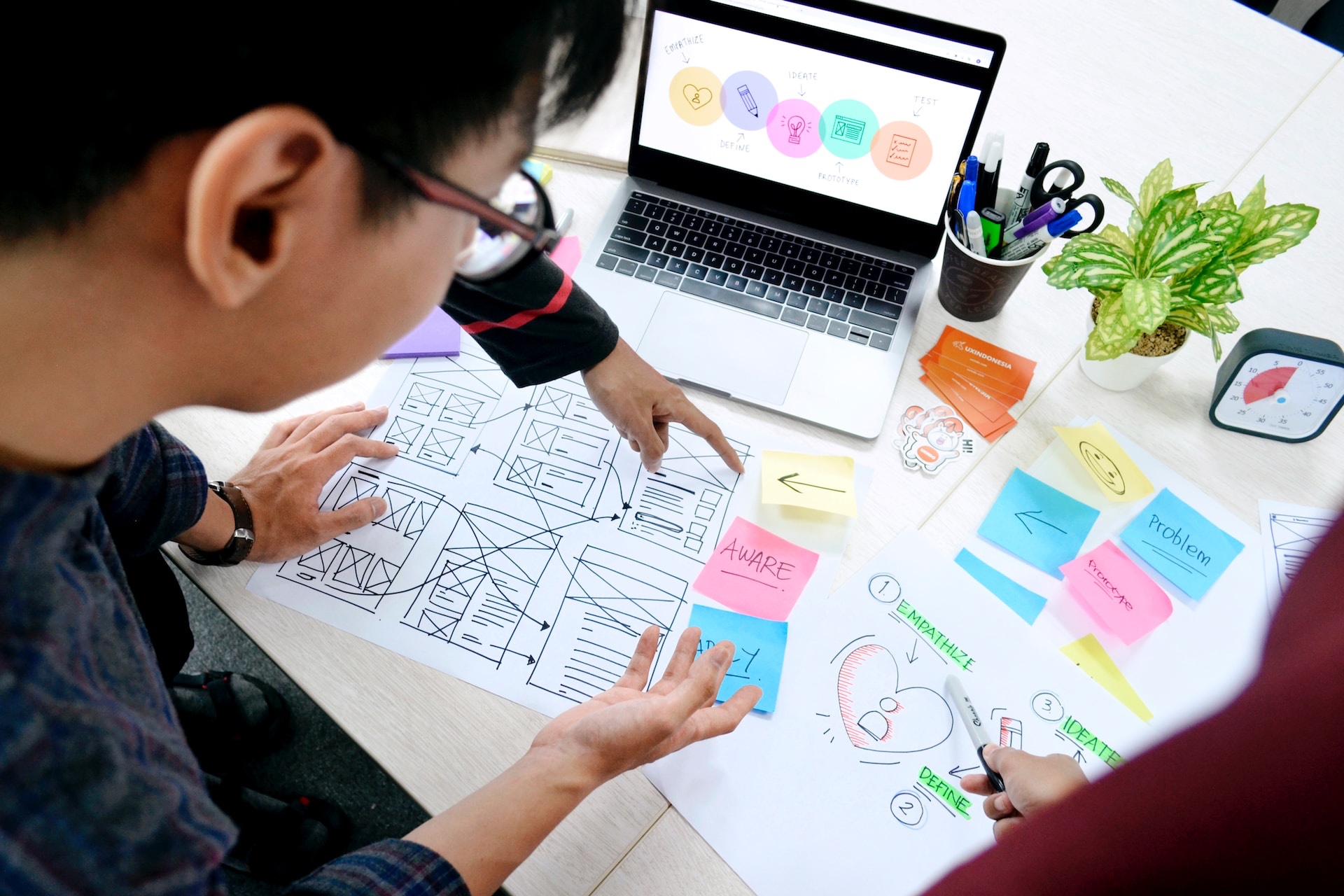
Navigating the Pitfalls: 5 Common Mistakes New UX Designers Make