
UI/UX Design: Where Function Meets Emotion
Design today isn’t just how something looks—it’s how it works, how it feels, and how it fits into the life of a user. That’s where UI/UX design comes in. At its core, UI (User Interface) and UX (User Experience) are two sides of the same coin: one is what users interact with, and the other is how that interaction makes them feel. When done right, UI/UX design becomes invisible—it disappears into the product, allowing the experience to take center stage.
Yet getting there is far from effortless. It requires empathy, research, iteration, and strategy. UI/UX is a discipline rooted in human behavior, guided by data, and executed with precision. It’s not simply aesthetics or usability—it’s the seamless fusion of both, engineered to create clarity, engagement, and satisfaction.
A Brief History: From Interfaces to Experiences
User Interface and User Experience design have always existed—just not always under those names. From the earliest human tools to the first graphical interfaces in computing, we’ve always been designing with the user in mind. But the terminology we use today gained traction in the late 20th century, particularly with the rise of computing and digital products.
Donald Norman, a cognitive scientist at Apple, is credited with popularizing the term “User Experience” in the 1990s. He argued that design should encompass every aspect of a person’s interaction with a product—not just the interface but the entire journey. At the same time, the field of human-computer interaction (HCI) was evolving rapidly, giving rise to disciplines focused on usability, information architecture, and interaction design.
Today, UI/UX design isn’t limited to websites or apps. It’s embedded in operating systems, voice interfaces, wearable tech, e-commerce platforms, enterprise dashboards, and more. As our devices become smarter and more interconnected, the demand for thoughtful, scalable, and intuitive design continues to grow.
Understanding the Difference—And Why It Matters
It’s common to hear UI and UX used interchangeably, but they are distinct practices:
-
UX Design is about structure, flow, and overall experience. It considers how people navigate a product, what they feel during that journey, and how efficiently they achieve their goals. It starts with user research and ends with prototypes tested through real behavior.
-
UI Design is about the interface—the visual and interactive layer that people touch, tap, swipe, or click. It includes layout, color schemes, typography, buttons, microinteractions, and responsiveness. A well-crafted UI translates UX strategy into a usable and aesthetically pleasing interface.
Both must work in harmony. A beautiful UI without a functional UX is frustrating. A smart UX with a clunky UI feels broken. The synergy between the two is what builds trust, drives engagement, and leads to adoption.
Core Principles of UI/UX Design
UI/UX design isn’t governed by rigid rules—it adapts to context, audience, and purpose. Still, certain principles remain consistent across great products:
1. User-Centeredness
Everything begins with the user. Who are they? What do they need? What frustrates them? What motivates them? Good UI/UX is built on empathy. It requires stepping outside assumptions and stepping into someone else’s experience.
2. Clarity and Consistency
Clarity isn’t about minimalism—it’s about reducing ambiguity. Navigation should be obvious, buttons should behave predictably, and content should align with mental models. Design systems and style guides help ensure consistency across touchpoints.
3. Accessibility
Design must be inclusive. It should serve users with permanent, temporary, or situational impairments. That means readable text, sufficient color contrast, keyboard-friendly navigation, screen-reader compatibility, and flexible layouts. Accessibility isn’t a checklist—it’s a mindset.
4. Feedback and Responsiveness
Interfaces should talk back. A user needs to know if their action was successful, if something is loading, or if there’s an error. Thoughtful animations, confirmation messages, and progress indicators reduce uncertainty and make interactions more human.
5. Hierarchy and Flow
Information should be prioritized visually and structurally. Users scan before they read—so layout, typography, and spacing must guide attention and decision-making. Good flow helps users take action intuitively, without having to stop and think at every turn.
6. Scalability and Modularity
As products grow, so do their interfaces. A strong UI/UX foundation anticipates complexity. It uses components, patterns, and design systems that scale. This ensures teams can iterate quickly without compromising quality or coherence.
The Role of Prototyping and Testing
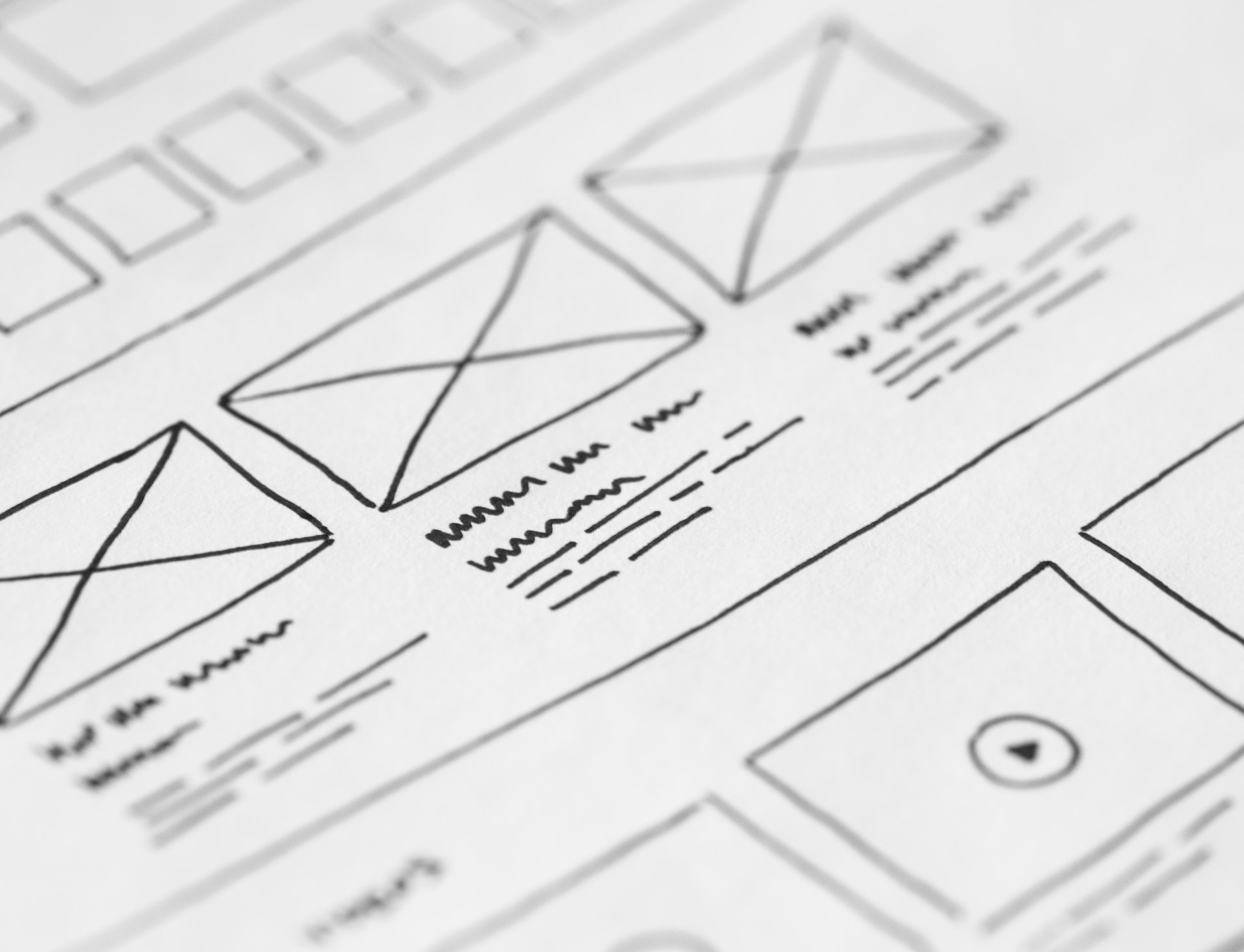
Design doesn’t live in wireframes or mockups—it lives in use. That’s why prototyping and usability testing are cornerstones of UI/UX. Prototypes turn ideas into tangible interactions. They allow designers and stakeholders to feel the flow before code is written.
Usability testing validates assumptions. It surfaces friction points, reveals gaps in logic, and uncovers emotional responses. Testing can be informal—such as observing real users navigate a prototype—or more structured, using analytics, heatmaps, and conversion tracking after launch.
Design is never final. UI/UX is an iterative process, informed by continuous feedback loops.
Beyond the Screen: UX as a System
Great UX extends beyond interfaces. It shows up in customer service, onboarding emails, packaging, in-app support, and more. It’s the feeling a user takes with them long after the last click. That’s why successful brands treat UX as a system—not a single discipline but a cross-functional effort.
Designers must work closely with developers, content strategists, marketers, and product managers. A button may be designed by a UI designer, written by a content strategist, and implemented by a developer—all while guided by UX principles and research findings.
This interdisciplinary collaboration is what turns features into experiences and transactions into relationships.
Why UI/UX Design Matters More Than Ever
In a digital-first world, experience is the differentiator. Users no longer tolerate clunky interfaces, slow load times, or convoluted workflows. If a product doesn’t meet expectations, users switch—or worse, disengage silently.
UI/UX isn’t just about making things pretty or usable. It’s about:
-
Reducing friction in complex tasks
-
Increasing accessibility for all users
-
Improving conversion rates and business outcomes
-
Creating brand trust through visual and emotional consistency
-
Supporting product adoption and long-term retention
Whether you’re designing a SaaS platform for enterprise clients, a mobile app for consumers, or an internal dashboard for teams, UI/UX is what bridges function and emotion. It’s what makes technology feel human.
As AI, voice interfaces, spatial computing, and ambient intelligence reshape our digital environments, UI/UX design is evolving. Interfaces are becoming more conversational, contextual, and adaptive. The role of the designer is expanding—from creating static layouts to shaping dynamic, personalized ecosystems.
Yet the core of UI/UX stays the same: understanding people. The tools may change, but the goal remains—to craft meaningful interactions that respect time, intention, and individuality.
As AI, voice interfaces, spatial computing, and ambient intelligence reshape our digital environments, UI/UX design is evolving. Interfaces are becoming more conversational, contextual, and adaptive. The role of the designer is expanding—from creating static layouts to shaping dynamic, personalized ecosystems.
Yet the core of UI/UX stays the same: understanding people. The tools may change, but the goal remains—to craft meaningful interactions that respect time, intention, and individuality.
Our published articles are dedicated to the design and the language of design. VERSIONS®, focuses on elaborating and consolidating information about design as a discipline in various forms. With historical theories, modern tools and available data — we study, analyze, examine and iterate on visual communication language, with a goal to document and contribute to industry advancements and individual innovation. With the available information, you can conclude practical sequences of action that may inspire you to practice design disciplines in current digital and print ecosystems with version-focused methodologies that promote iterative innovations.
Related Articles –
-

UX Design: Why You Need to Focus on User-Centered Design
-
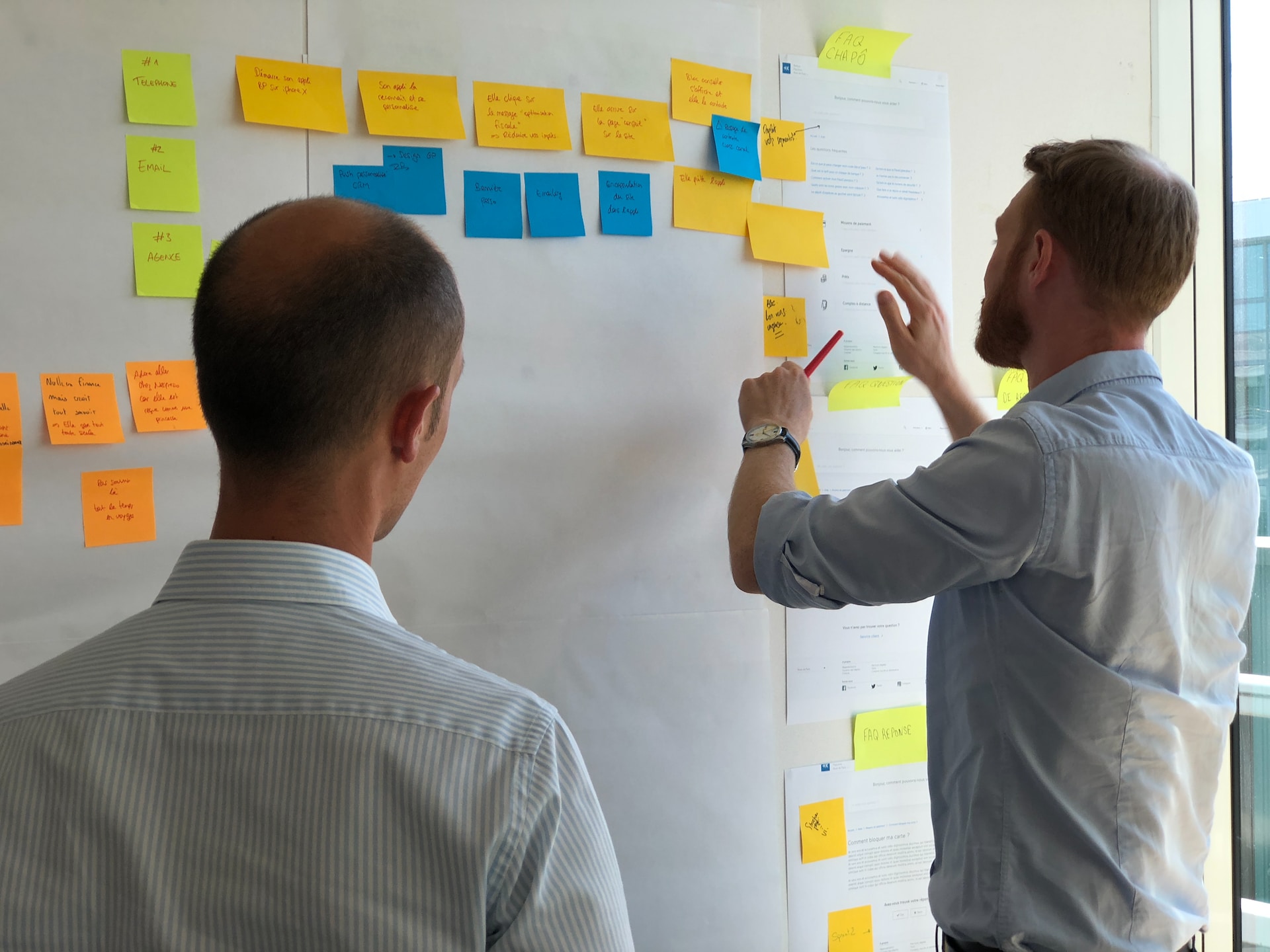
Point Balance UX Design
-
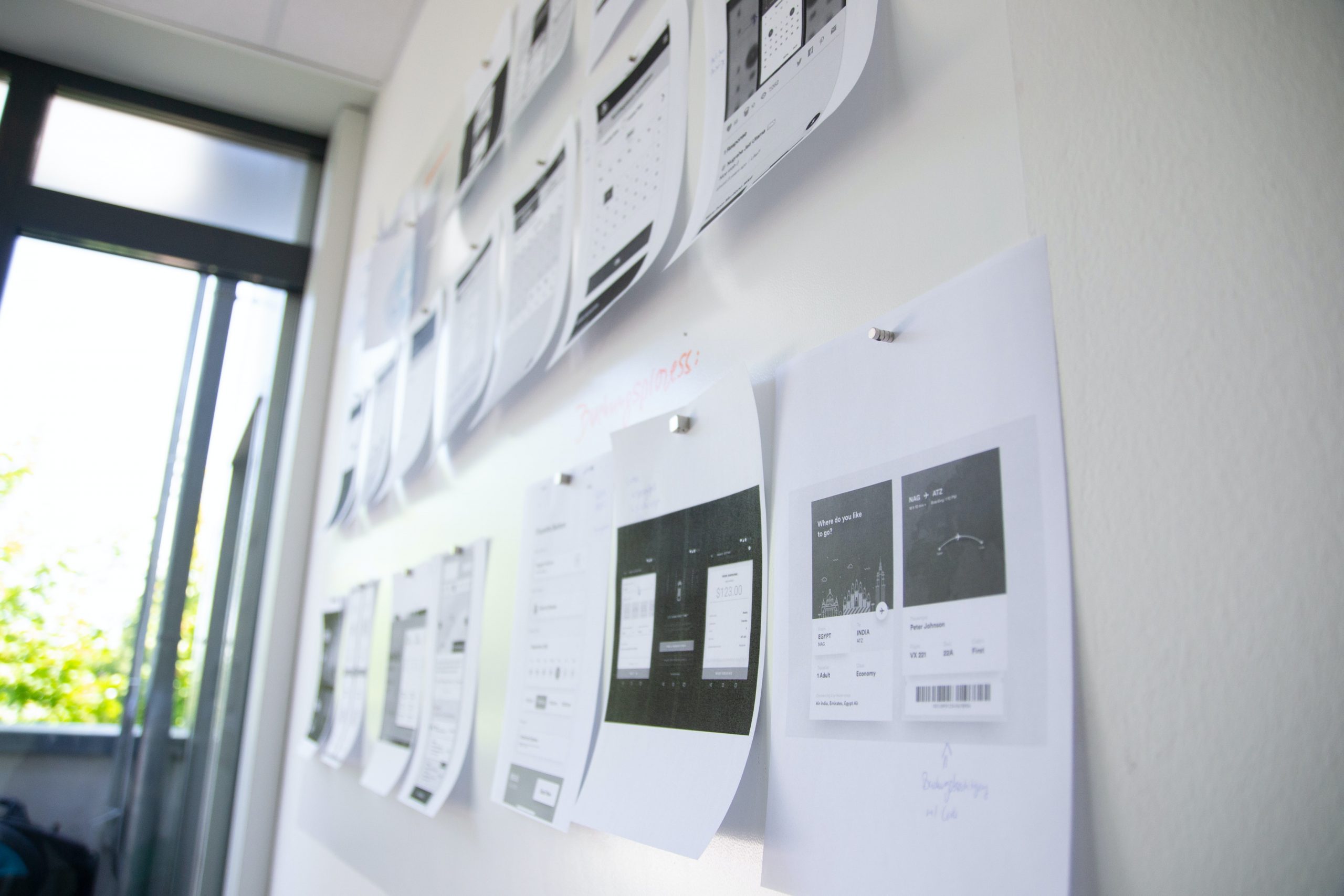
UX Design in a Nutshell
-

Driven By Feedback: Adaptive Web Design
-
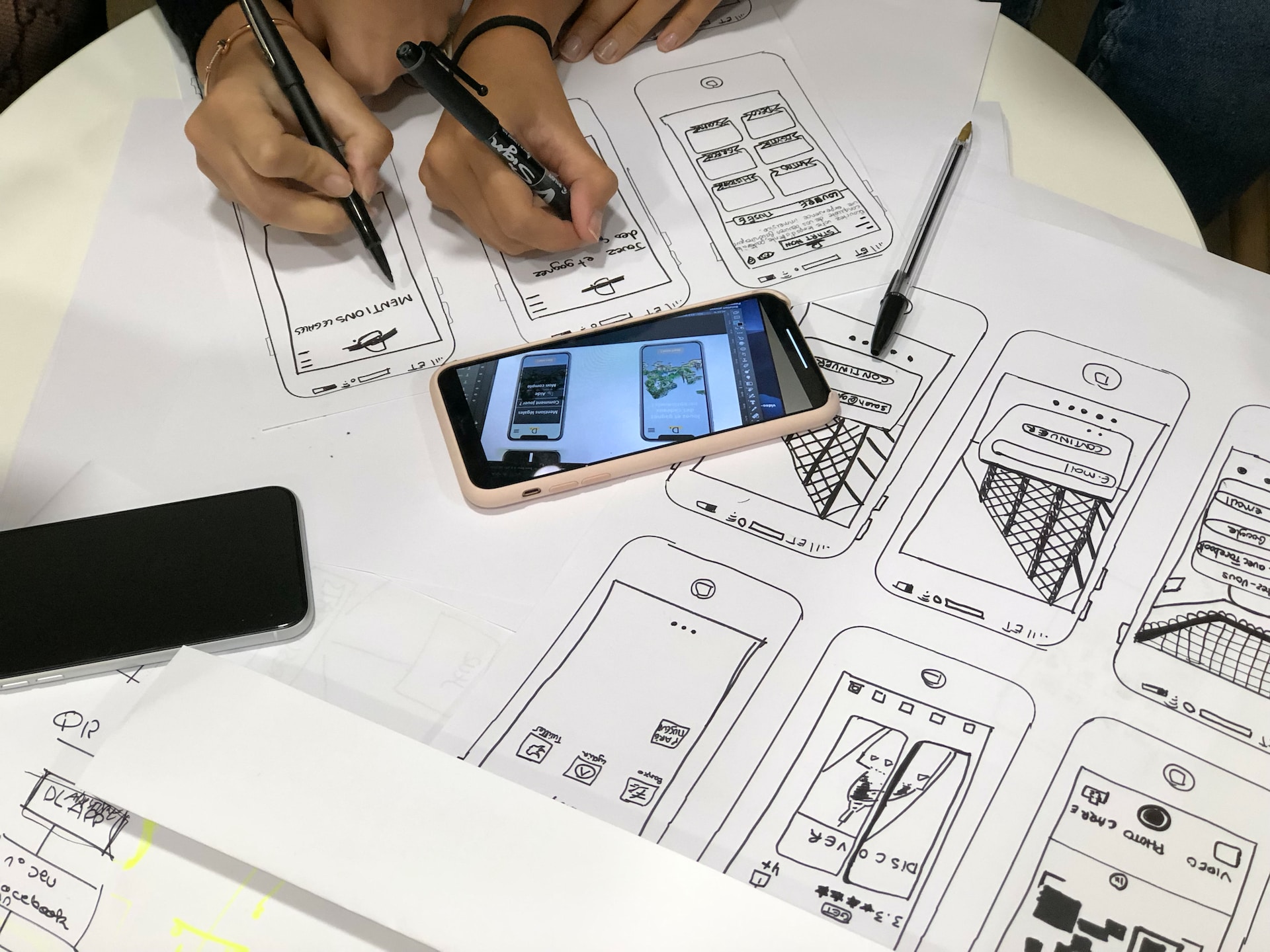
Unlocking the Benefits of Lean UX for Large Organizations
-

From Zero to Hero: Using Oversized Images in Your Site Design
-

Responsive vs. Adaptive Web Design
-

The UX Brainstorm
-
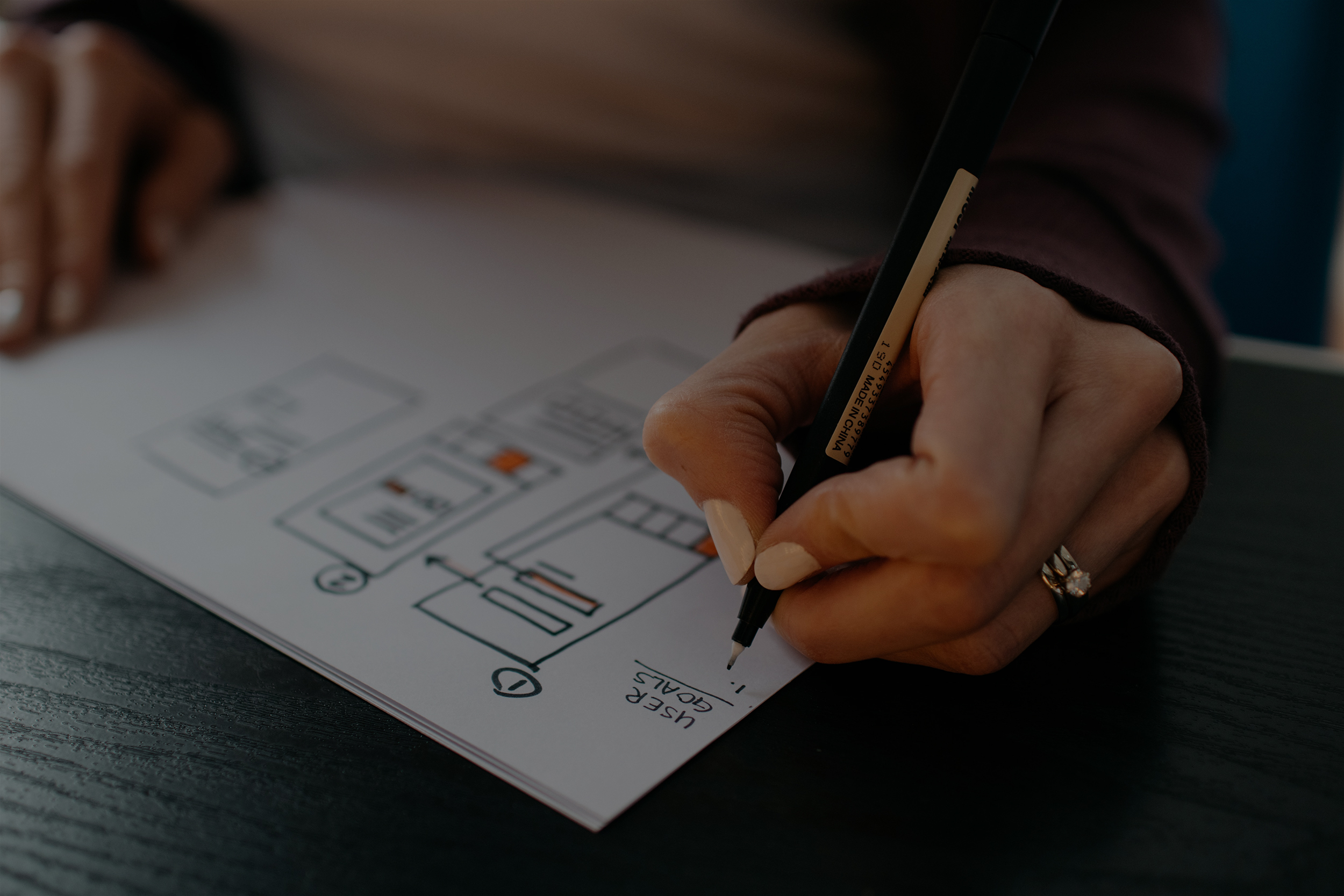
UX Design – Is It Just Buzz?
-
Getting Site Architecture and Interface Design Right